
Applies to: ReadyCash
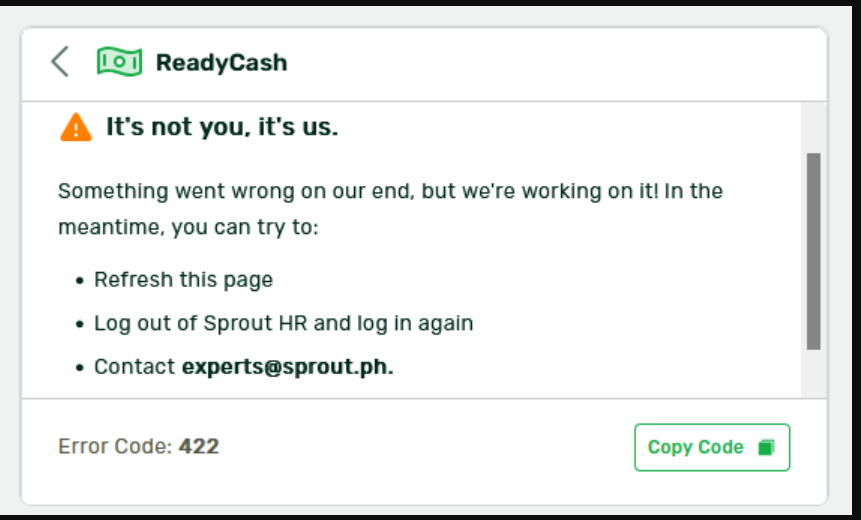
Issue: Users encounter Error Code 422 when trying to access ReadyCash.
Cause
ReadyCash currently only supports mobile numbers that start with "09". If the mobile number saved in your HR Profile starts with "63" instead (e.g., the international format), the system will return Error Code 422 and block access.
Resolution
- Go to HR Profile > Contact Information.
- Check your saved mobile number.
- If it starts with 63, update it so it starts with 09 instead.
- Save the change, then try accessing ReadyCash again.
Can't edit your own contact information?
Reach out to your HR or Company Administrator and ask them to update the mobile number on your behalf.
Note
This is a temporary limitation. Our team is actively working on an enhancement to support mobile numbers starting with 63. This article will be updated once that support is available.
Still having issues?
If the error persists after updating your mobile number, please reach out to Support with:
- A screenshot of the error
- Confirmation of the updated mobile number format
Want real-time responses? Explore Sidekick, your 24/7 guide for product inquiries!