
Note: The Concierge agent is not yet supported directly within Sidekick. To chat with Concierge, users need to click the agent’s card in the Agents page.
1. Type a question to get started.2. Click the send icon or press Enter to send a query. It will respond based on the knowledge uploaded.
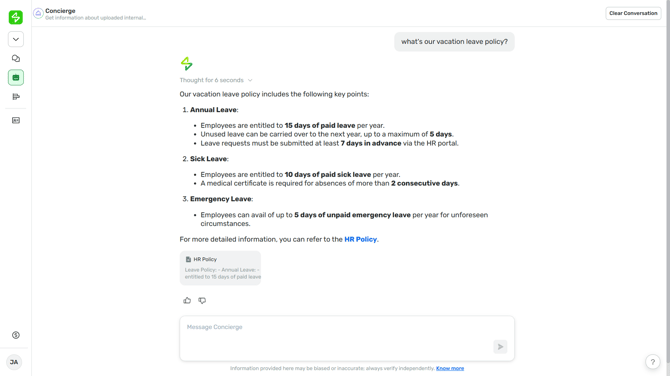
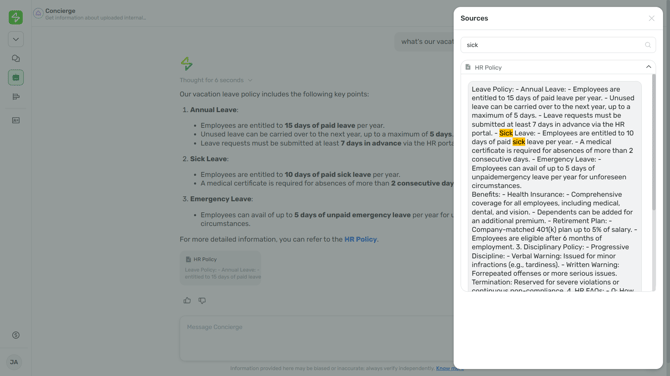
3. If you need more reference to the original sources, click the snippets below the response and search for the information you need.
Want real-time responses? Explore Sidekick, your 24/7 guide for product inquiries!