
Overview
This guide explains how to enable or disable the Certificate of Attendance Filing feature in Sidekick.
Steps
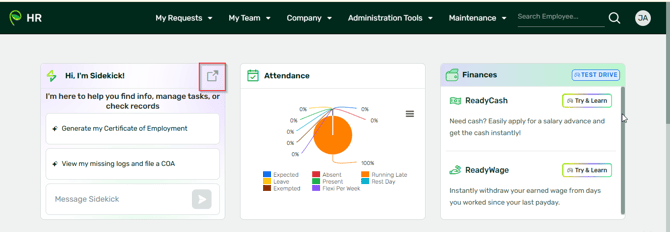
1. Take note that this is for admins only. Log in to Sidekick (sidekick.sprout.ph) or login to your HR and click Sidekick:
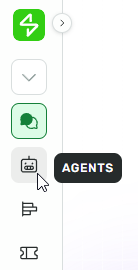
2. From the left navigation menu, click Agents.
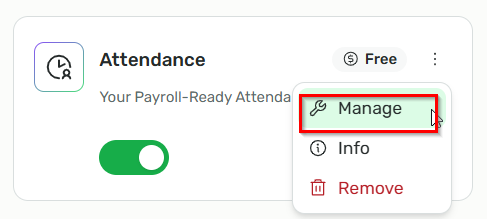
3. Look for the Attendance agent and click Manage beside the Attendance agent.
4. Look for COA Filing settings
a. ON – to enable COA filing
b. OFF – to disable COA filing

Want real-time responses? Explore Sidekick, your 24/7 guide for product inquiries!