
Overview
This guide explains how to enable or disable the Certificate of Employment (COE) generating feature in Sidekick.
Steps:
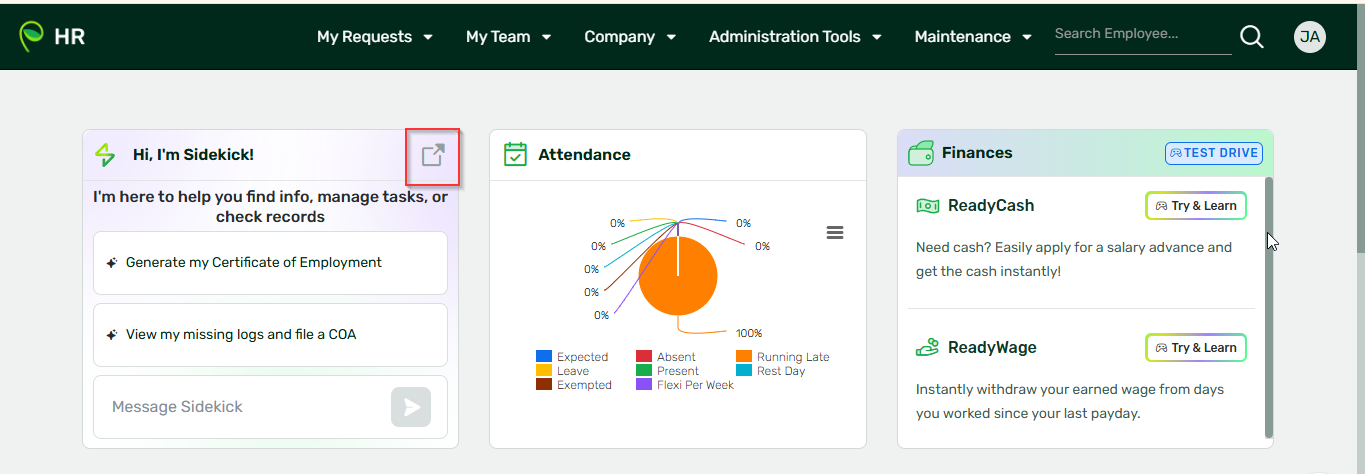
1. Take note that this is for admins only. Log in to Sidekick (sidekick.sprout.ph) or login to your HR and click Sidekick:
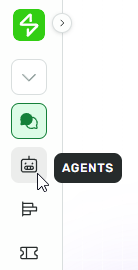
2. From the left navigation menu, click Agents.
3. Look for the Records agent and click Manage beside the Records agent.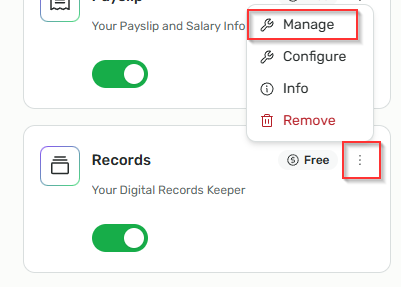
-
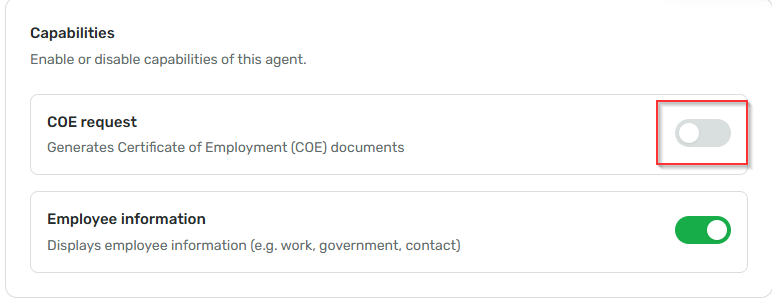
- ON – to enable COE generating
- OFF – to disable COE generating
Important Reminder
Even when the COE generating feature is disabled in Sidekick, the option to access or click the COE feature from the HR Dashboard may still remain visible.
At the moment, the visibility of this option in the HR Dashboard is not yet configurable.
Want real-time responses? Explore Sidekick, your 24/7 guide for product inquiries!