
Overview
This guide explains how to enable or disable the Compliance feature in Sidekick.
Steps
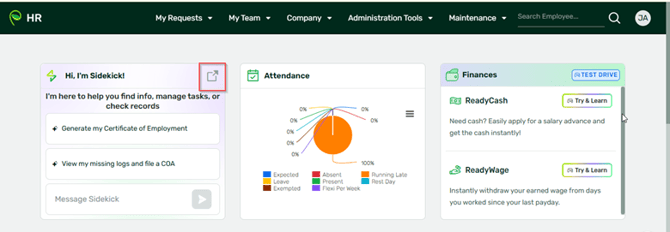
- Take note that this is for admins only. Log in to Sidekick (sidekick.sprout.ph) or login to your HR and click Sidekick:
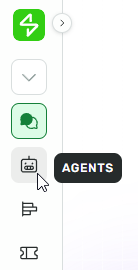
- From the left navigation menu, click Agents.
- Look for the Compliance agent
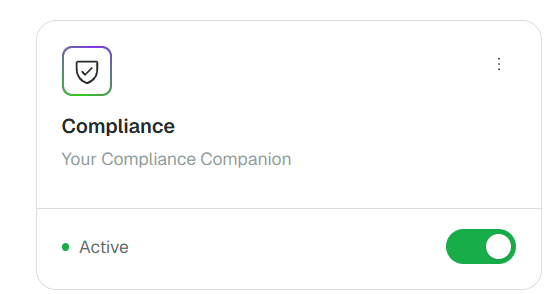
- Toggle the Compliance setting
-
- ON – to enable Compliance generation
- OFF – to disable Compliance generation
-
Want real-time responses? Explore Sidekick, your 24/7 guide for product inquiries!