
Overview
This guide explains how to enable or disable the payslip generating feature in Sidekick.
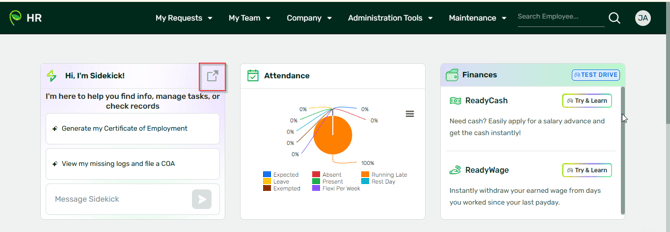
Steps- Take note that this is for admins only. Log in to Sidekick (sidekick.sprout.ph) or login to your HR and click Sidekick:
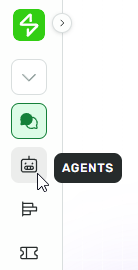
- From the left navigation menu, click Agents.
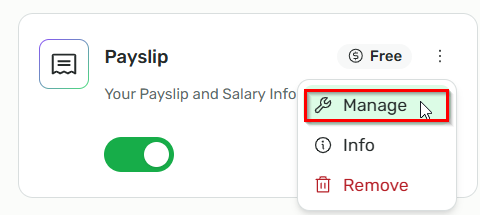
- Look for the Payslip agent and click Manage beside the Payslip agent.
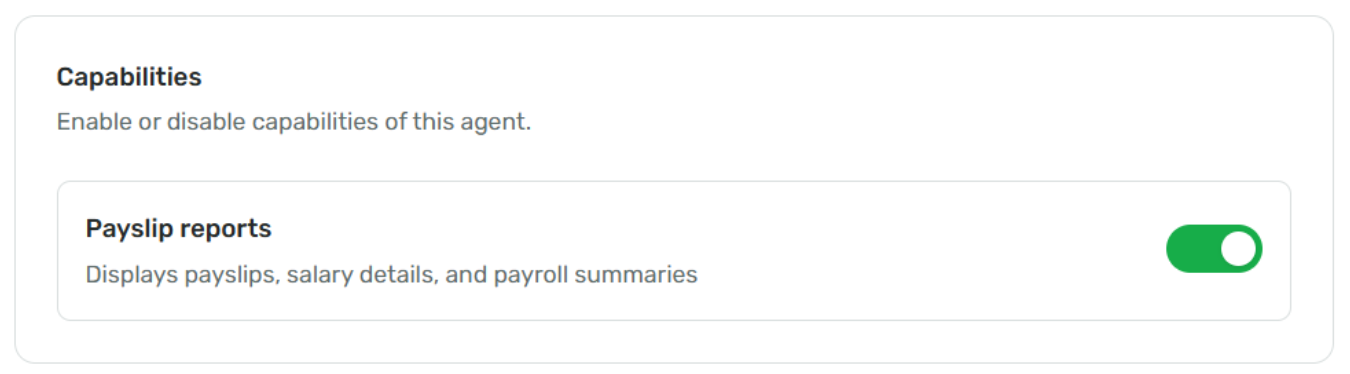
- Toggle the payslip setting
- ON – to enable Payslip generation
- OFF – to disable Payslip generation
Want real-time responses? Explore Sidekick, your 24/7 guide for product inquiries!