
Overview
Recurring Adjustments are used for adjustments that need to be automatically applied to an employee’s succeeding payroll runs, such as recurring allowances or employee loan deductions.
This eliminates the need to manually enter or upload the same adjustment for each payroll run. Reference Loans and Recurring Adjustments in Sprout Payroll
But how can you check all the active recurring adjustments currently set up in your account?
This KB is for you!
How to Export Recurring Adjustments
Follow the steps below to export all active recurring adjustments:
- Navigate to the Employee module in Payroll.

- Click Export Adjustment.

- The system will generate an Excel file containing the recurring adjustments.
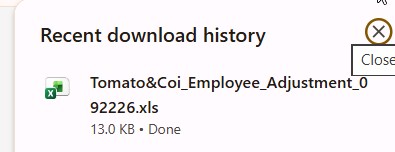
- The file will be downloaded directly to your computer's default Downloads folder or configured download path. Sample recurring adjustment file.
Important Note
The Recurring Adjustment Report includes Active recurring adjustments only.
If a recurring adjustment has already been deactivated, it will not be included in the exported report.
Need more help?
Sidekick makes it easy — get answers, raise a ticket, or schedule a call with our experts, all in one place.