
You may notice that the Today’s Events Widget is no longer visible on your HR dashboard. This is because the widget has been replaced by the Sidekick Widget as part of the latest dashboard update.
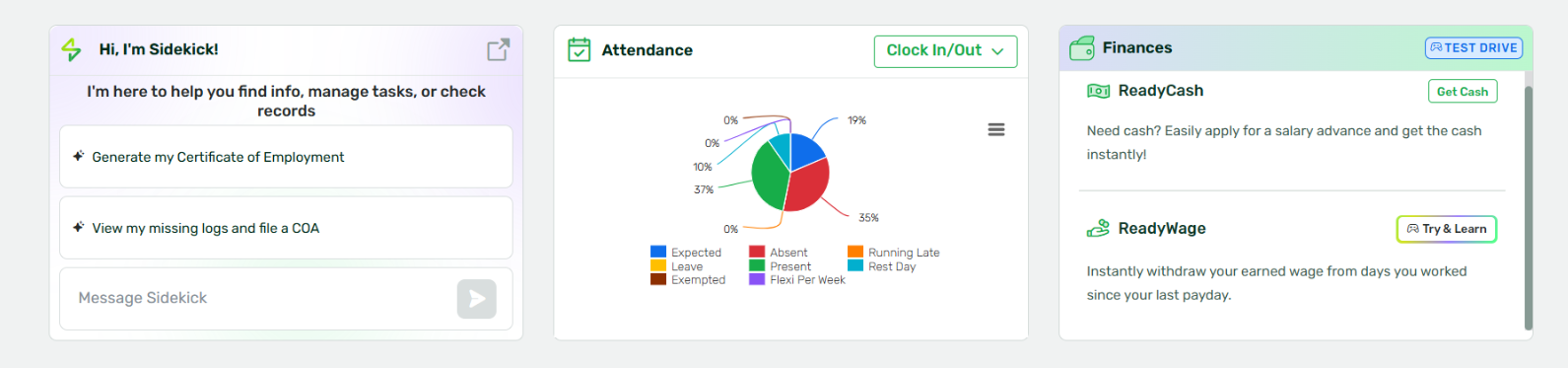
If your team prefers to continue using the Today’s Events Widget to view important employee milestones, such as work anniversaries, the Sidekick Widget can be disabled to restore the previous dashboard view.
How to Restore the Today’s Events Widget
To bring back the Today’s Events Widget, you will need to request the disabling of the Sidekick Dashboard Widget.
Follow these steps:
- Prepare a Change Request Form (CRF) requesting the following adjustment:
Request: Disable the Sidekick Dashboard Widget - Ensure that the CRF is properly signed and approved based on your company’s process.
- Submit the completed CRF to the Sprout Support Team for processing.
Once the signed CRF is received, our team will proceed with disabling the Sidekick Widget and restoring the Today’s Events Widget on your HR dashboard.
Important Notes
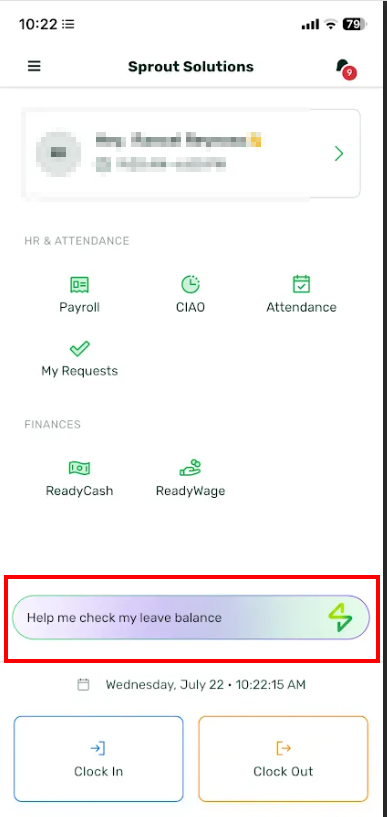
Disabling the Sidekick Widget on the HR dashboard will only remove the dashboard widget. Your team can still access Sidekick through the following channels:
- Sprout Mobile App
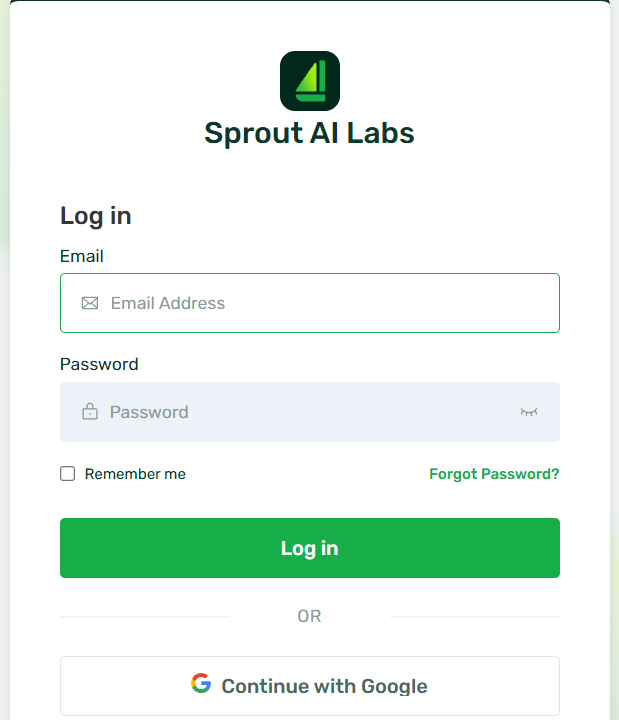
- Direct access through: sidekick.sprout.ph
- Lower-right bot icon on the dashboard (if this feature is enabled)
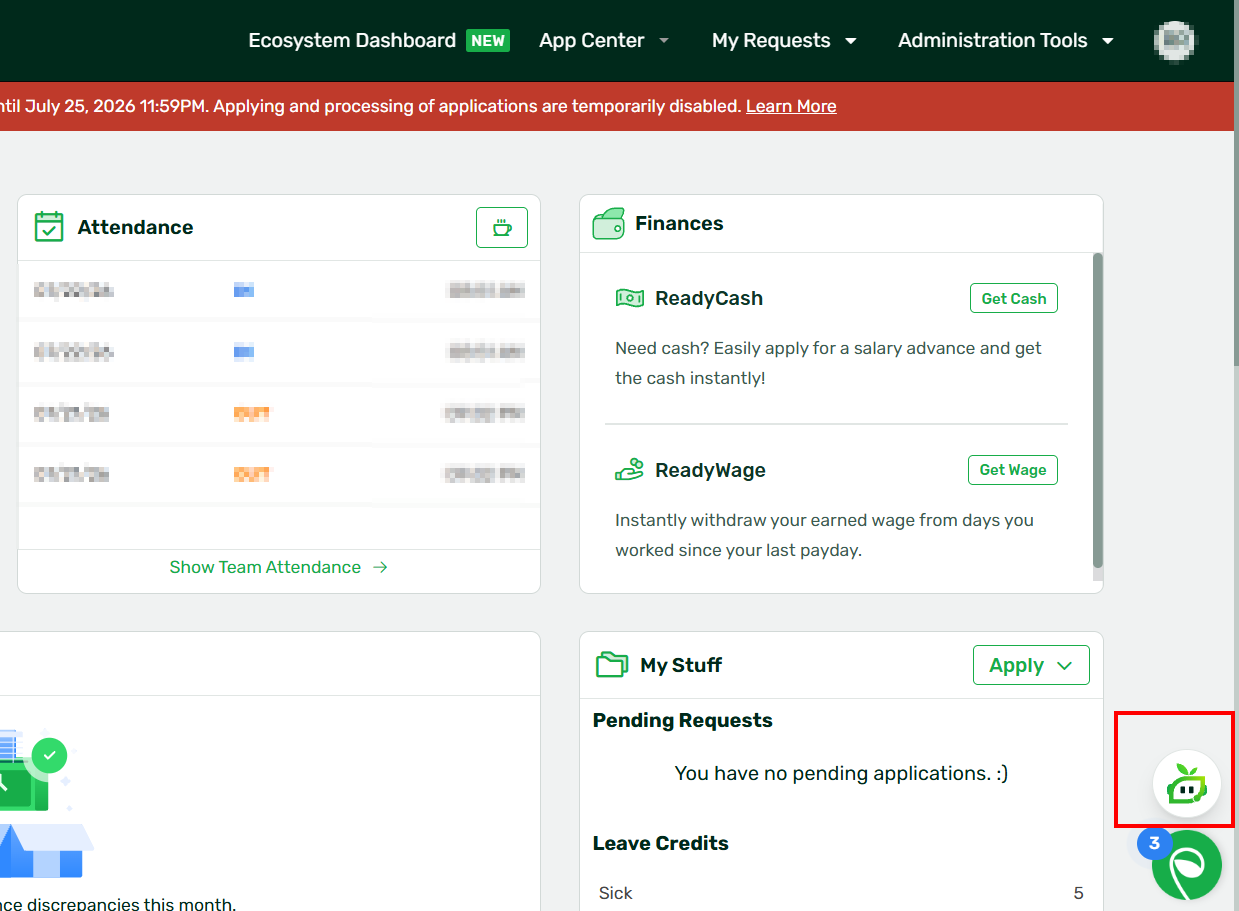
This ensures that your team can continue using Sidekick while having the Today’s Events Widget restored on the HR dashboard.
Want real-time responses? Explore Sidekick, your 24/7 guide for product inquiries!