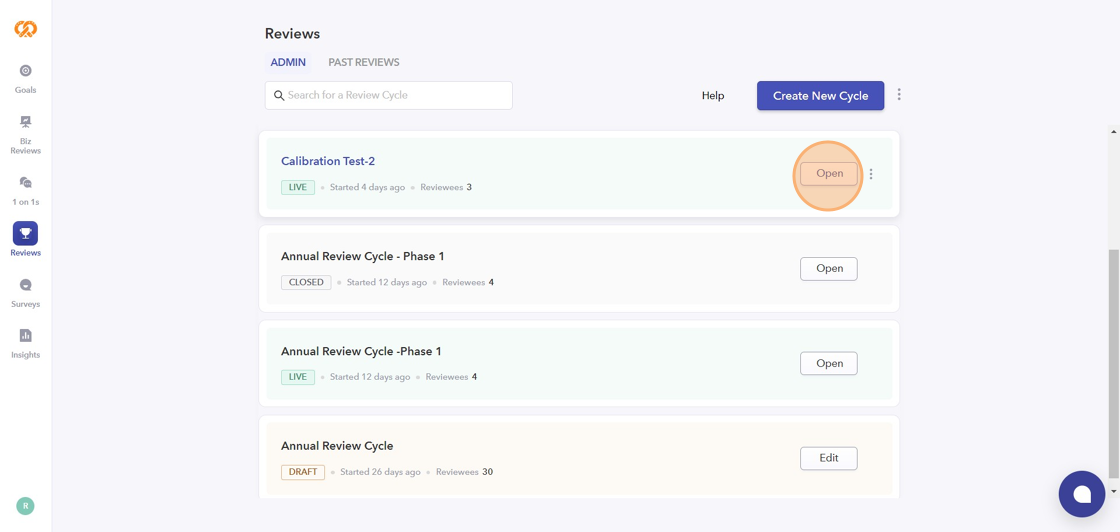
1. Click on the Review Cycle to open it.
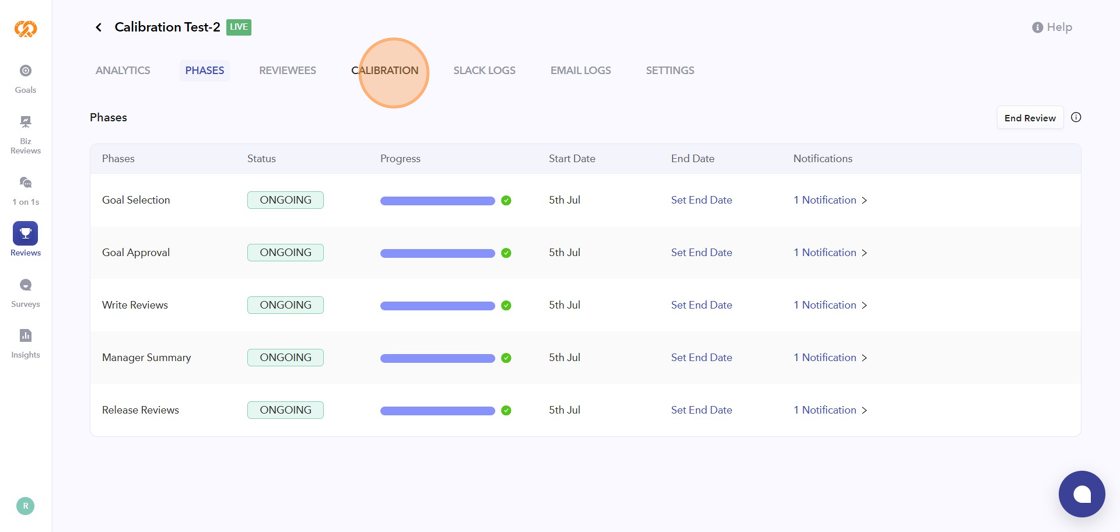
2. Navigate to the “Calibration” tab.
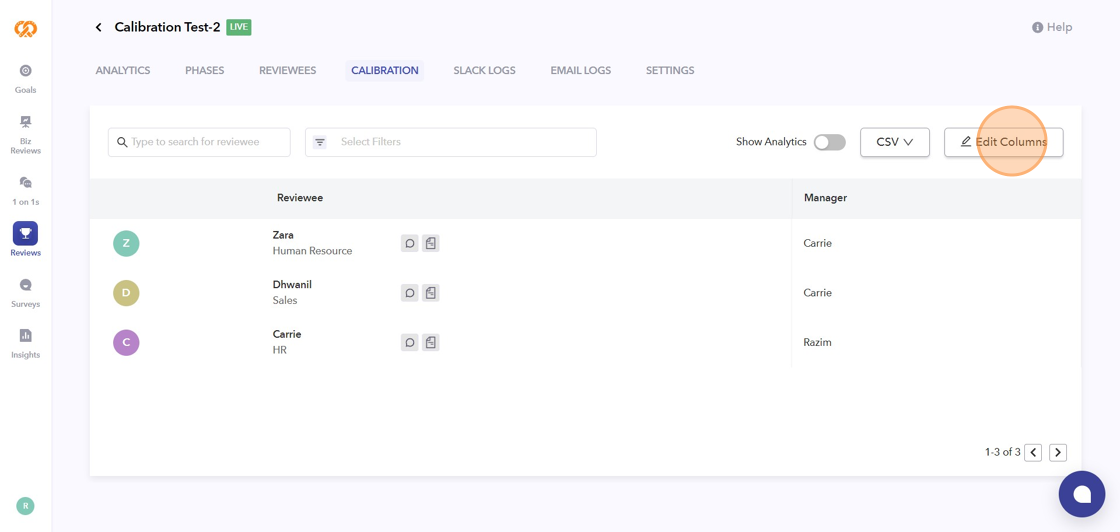
3. Click “Edit Columns” to add questions to the calibration view.
4. Click “Questions” to add the necessary questions.
5. Click “Goals” to choose the goal scores option.
6. You can also add the Custom Columns by clicking on the option.
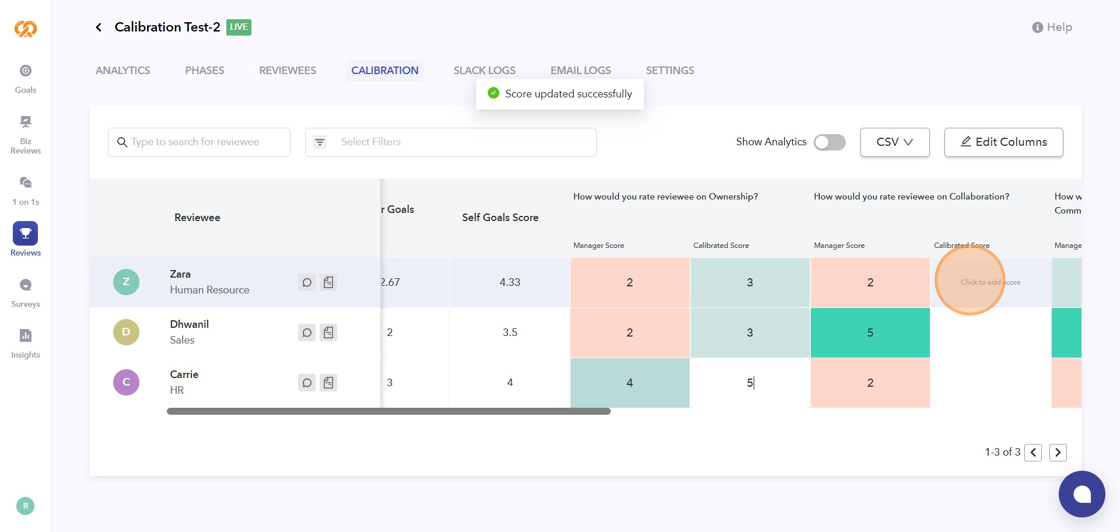
7. Click here to add the calibrated score.
2. Navigate to the “Calibration” tab.
3. Click “Edit Columns” to add questions to the calibration view.
4. Click “Questions” to add the necessary questions.
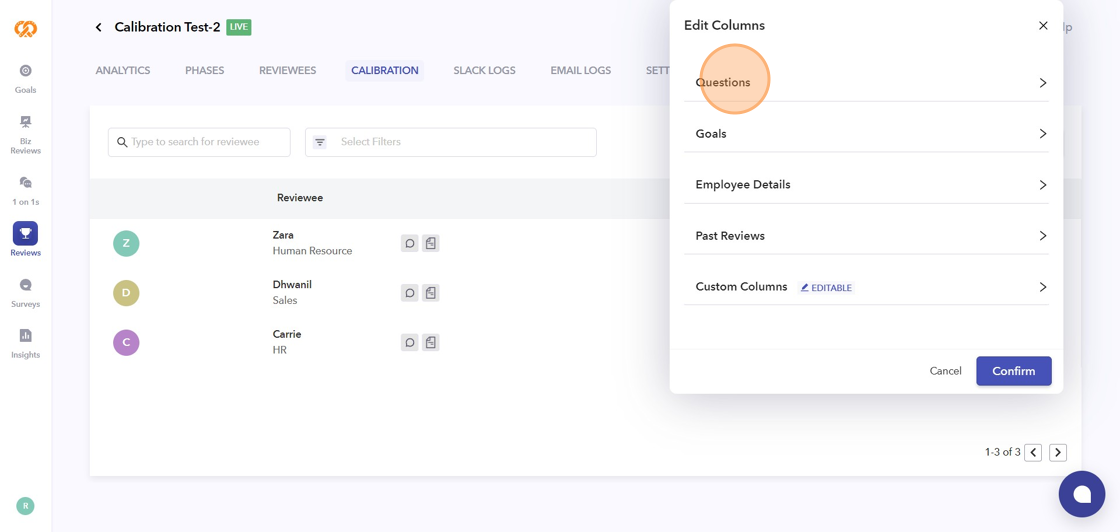
5. Click “Goals” to choose the goal scores option.
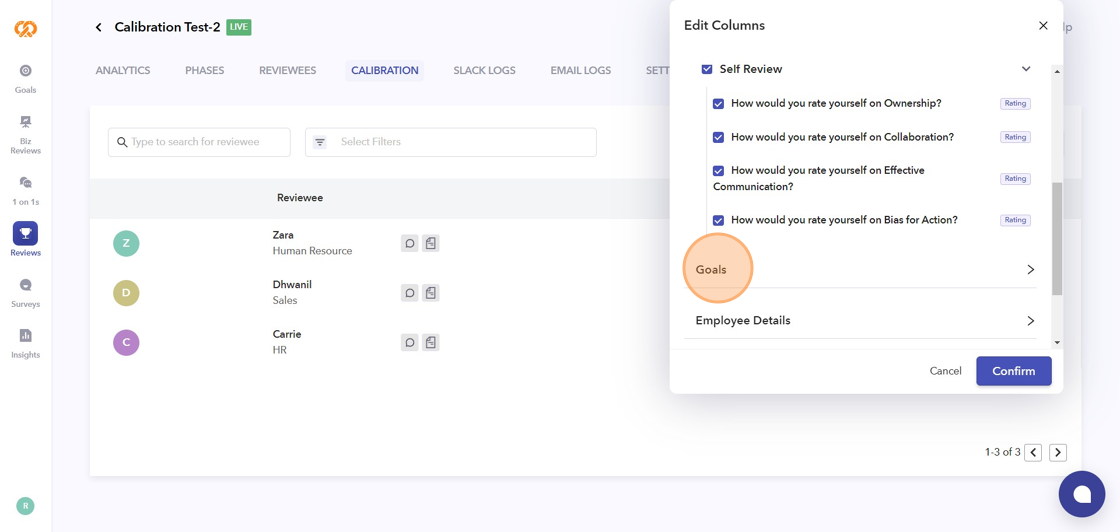
6. You can also add the Custom Columns by clicking on the option.
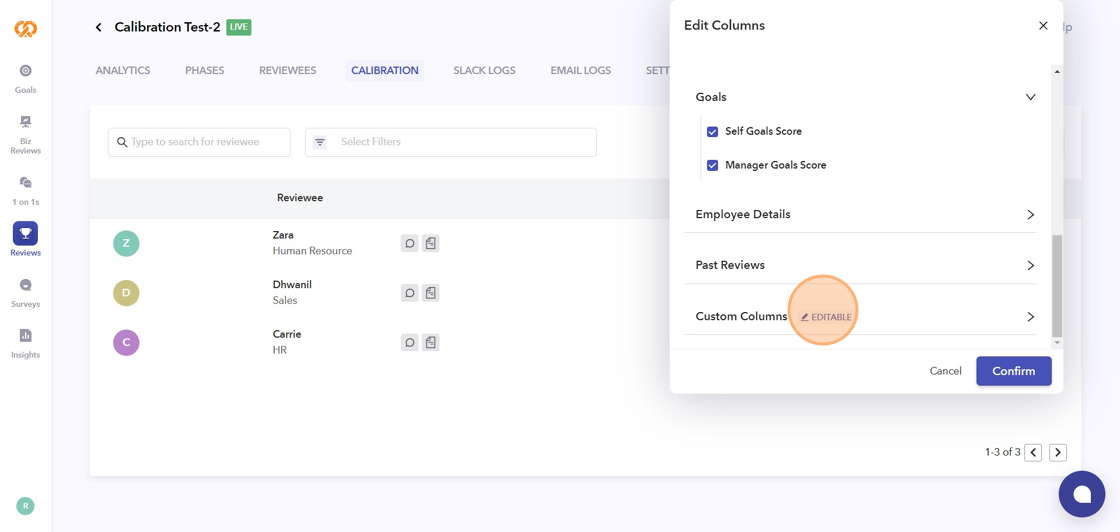
7. Click here to add the calibrated score.