
The Records feature allows admins to create, configure, and manage employee or company-related records within the platform. This helps centralize important information and enables the Record Agent to function properly for tracking and automation purposes.
Configuring Records (Admin Only)
|
Note: If you haven’t configured the agent yet, you will see the Incomplete setup tooltip. |
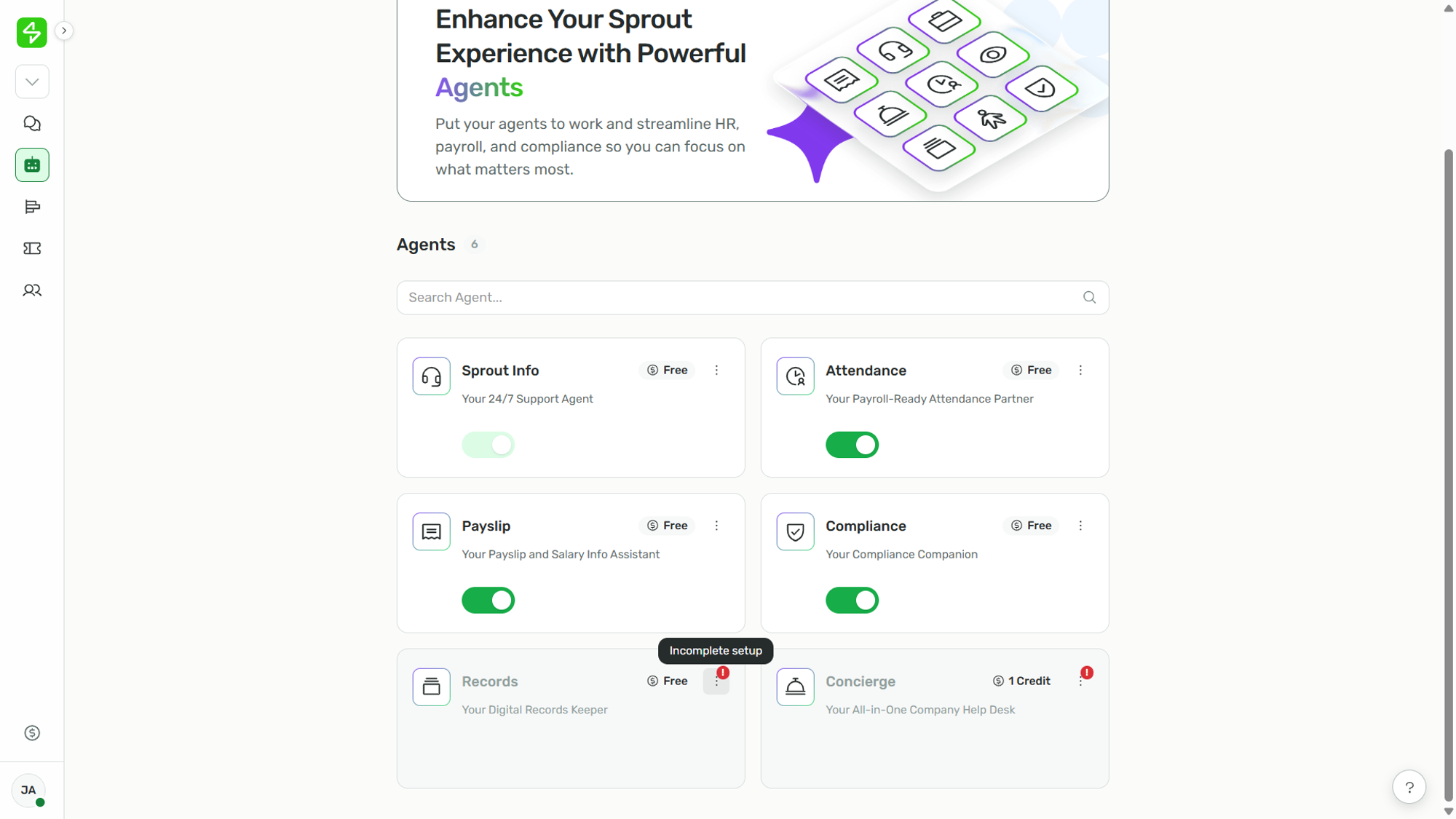
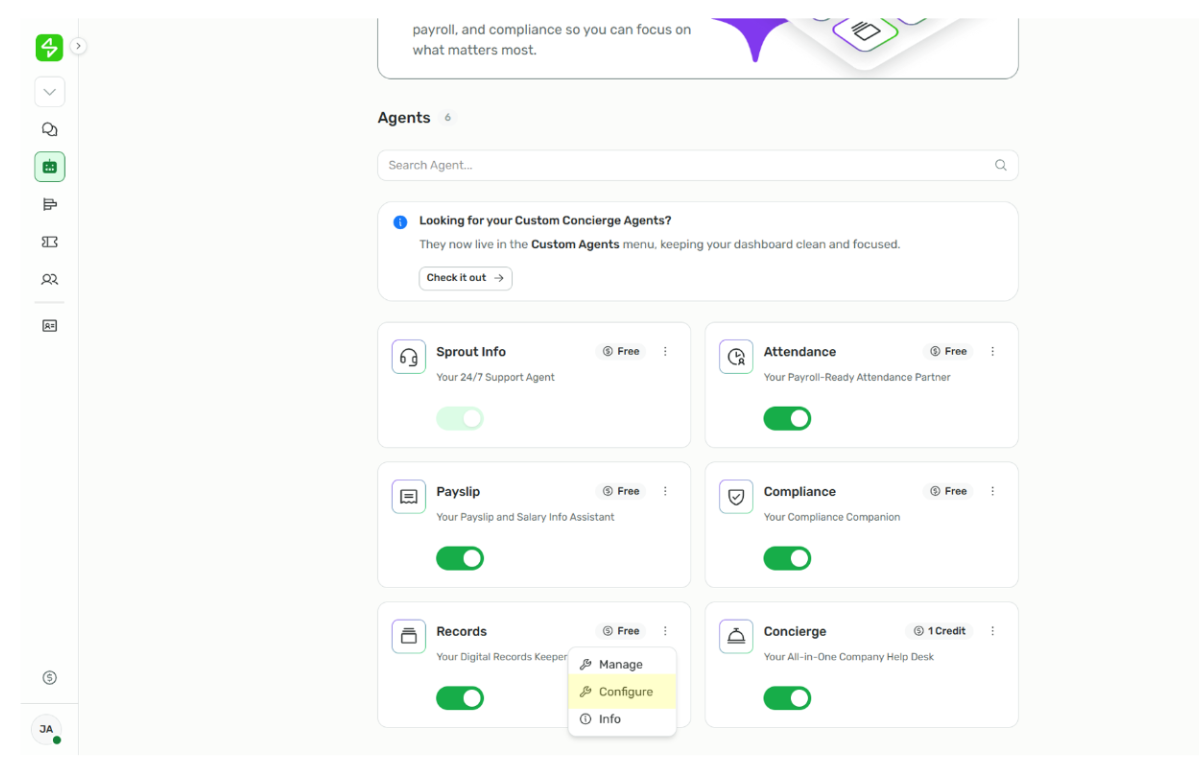
- Click the kebab icon ( ⁝ ) on the Records card.
- Click Configure to set up the agent.
Want real-time responses? Explore Sidekick, your 24/7 guide for product inquiries!